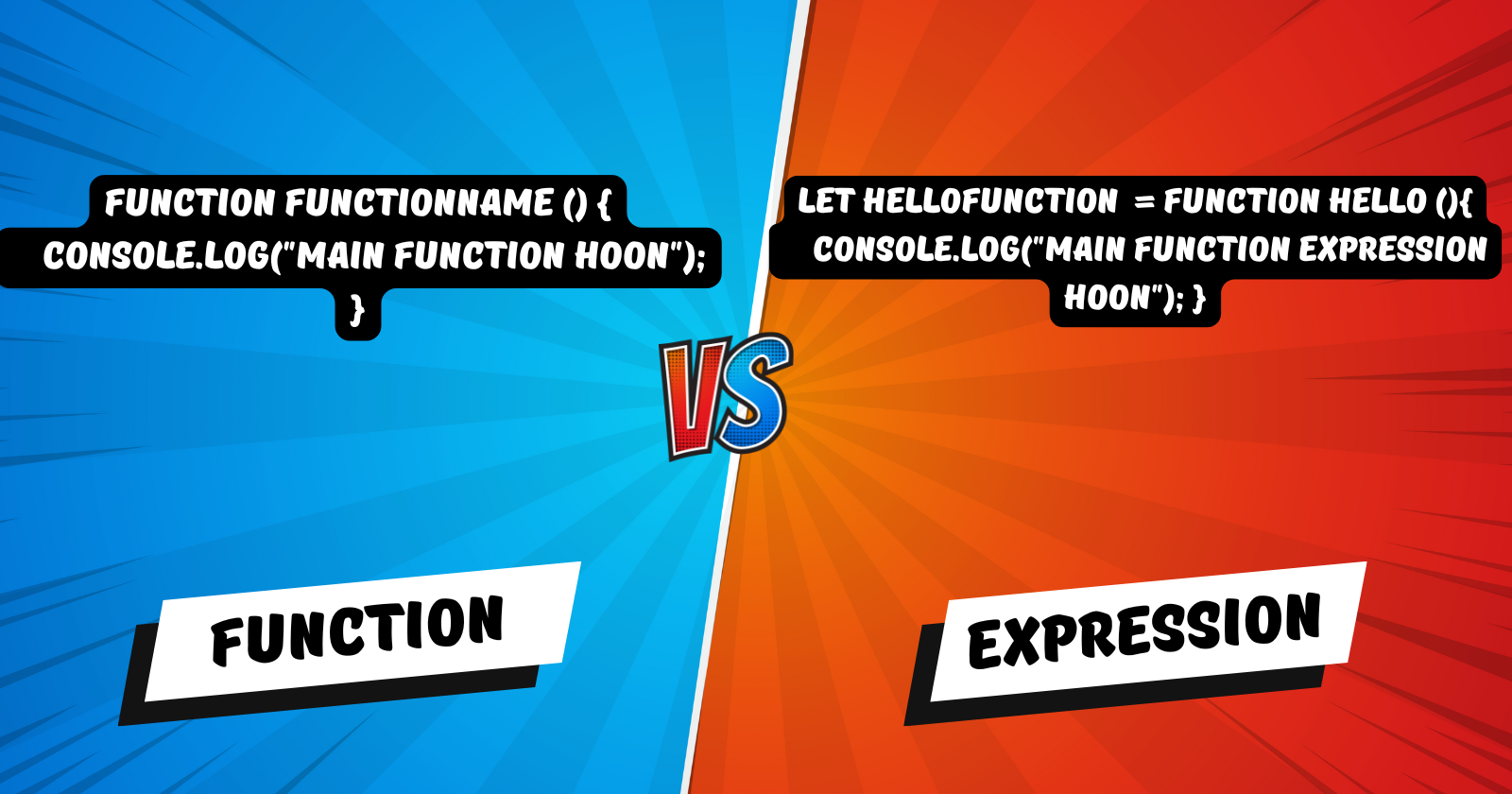
A Simple Guide to Function Declarations vs. Function Expressions

Intro
Functions are the building blocks of JavaScript. They allow us to write modular, reusable code, making our applications more organized and maintainable. Among the different ways to define functions, function declarations and function expressions are two of the most common, yet often confusing, concepts. This article aims to clarify their differences and provide practical examples.
Function Declaration
A function declaration is defined using the function keyword, followed by a name, a set of parentheses (), and a block of code enclosed in curly braces {}.
function greet(name) {
  return `Hello, ${name}!`;
}

console.log(greet("Syed")); // Output: Hello, Syed!
One of the key characteristics of function declarations is that they are HOISTED. This means that the function can be called before it is defined in the code.
console.log(sayHello("Syed"));

function sayHello(name) {
  return `Hello, ${name}!`;
}

//output: Hello, Syed!
Function Expression
A function expression involves assigning a function to a variable. The function can be anonymous (without a name) or named.
// Anonymous function expression
const greetUser = function(name) {
  return `Hello, ${name}! `;
};

console.log(greetUser("Samay")); // Output: Hello, Samay!

// Named function expression
const factorial = function fact(n) {
  if (n <= 1) {
    return 1;
  } else {
  return n * fact (n - 1);
  }
};

console.log(factorial(5));
// Output: 120
Unlike function declarations, function expressions are not HOISTED. You must define the function before you can call it.
console.log(multiply(5, 2)); // Error: Cannot access 'multiply' before initialization
//because multiply const is variable which is defined at the execution time

const multiply = function(a, b) {
  return a * b;
};

console.log(multiply(5, 2)); // Output: 10
Key Differences
Hoisting
Function Declarations: Hoisted, meaning they can be called before they are defined (or) they are available before code is executed.
Function Expressions: Not hoisted, must be defined before use (or) they will be available only when code executes (at runtime).
Parsing
Function Declarations: Parsed when the script is loaded.
Function Expressions: Parsed when the interpreter reaches the line of code.
Use Cases
Function Declarations: Use when you need hoisting or when defining functions at the top level of your script.
Function Expressions: Use when you need to assign functions to variables, pass them as arguments to other functions (callbacks), or create closures.
Modular and Reusable Code
Functions play a vital role in writing modular and reusable code. By encapsulating logic within functions, we can break down complex tasks into smaller, manageable pieces. This not only improves code readability but also allows us to reuse functions across different parts of our application.
Closures (Real-World Use Case)
Closures allow a function to access variables from its outer (enclosing) scope even after the outer function has finished execution. This is particularly useful for creating private variables.
function createCounter() {
  let count = 0;
  return {
    increment: function() {
      count++;
      return count;
    },
    decrement: function() {
      count--;
      return count;
    },
  };
}

const counter = createCounter();
console.log(counter.increment()); // Output: 1
console.log(counter.increment()); // Output: 2
console.log(counter.decrement()); // Output: 1
In this example, count is a private variable accessible only through the increment and decrement functions.
Comparison Table
| Feature | Function Declaration | Function Expression |
| Hoisting | Yes | No |
| Syntax | function name() {} | const name = function() {} |
| Parsing | Loaded with script | At runtime |
| Use Cases | Top-level functions | Callbacks, closures |
Function Call and Execution Flow (Conceptual)
Function Call: The function is invoked with arguments.
Execution Context: A new execution context is created.
Variable Environment: Local variables are created.
Code Execution: The function's code is executed line by line.
Return Value: The function returns a value (or
undefined).Execution Context Removal: The execution context is removed.
Conclusion
Understanding the differences between function declarations and function expressions is crucial for writing clean and efficient JavaScript code. By knowing when to use each, you can leverage their unique characteristics to build robust applications. Practice writing both types of functions and experiment with closures to deepen your understanding.